
(Budget-Friendly, Free, and Approved by a Strategist Who’s Seen What Actually Works)
TL;DR
- Starting out : WordPress, GSC + GA4, Buffer free, Brevo, Canva. That’s all you need.
- Growing: Add Canva Pro, Ubersuggest, Hotjar, HubSpot CRM.
- Scaling: Now get Ahrefs, run Google + Meta Ads, add Klaviyo or HubSpot paid.
Let me be honest with you from the start: most “best tools” lists on the internet are written by people who’ve never actually used these tools with real clients, for real businesses, with real budgets on the line.
I’m not one of those people. I’ve spent the last 4+ years doing SEO and content marketing for everyone from bootstrapped startups to established brands like Gulf Oil India, BigBasket, and UGRO Capital. I’ve tested, and recommended digital marketing tools, and found the ones that actually move the needle without draining a small business’s budget.
This is a practitioner’s guide organized by what you actually need to do, not by marketing category jargon.
One rule I live by: don’t buy a tool unless you’ve first tried to do the job manually (or with a free version) and genuinely outgrown it. Most small businesses are over-tooled and under-strategic.
Before You Buy Anything: How to Actually Think About Your Marketing Stack
Every small business owner I talk to has the same problem: they’ve signed up for 6 tools, use 2 of them regularly, and are paying for the rest out of guilt or inertia.
Here’s the framework I use with every client before recommending a single tool:
1. What’s your single biggest marketing bottleneck right now? If you’re not getting enough traffic, SEO tools matter most. If you have traffic but no conversions, you need CRO tools. If you can’t stay consistent on social, you need a scheduler. Fix the bottleneck and don’t buy tools for problems you don’t have yet.
2. What’s your actual budget ? Be real. ₹2,000/month and $200/month are different realities. I’ll give you options for both.
3. Do you have time to learn it? A powerful tool you never use is worse than a simple one you use daily. Complexity kills consistency.
4. Does it integrate with what you already have? Switching costs are real. A new tool that doesn’t talk to your existing systems creates more work, not less.
My personal rule: if a tool doesn’t save me at least 2 hours per week or directly increase revenue, it’s gone in 30 days.
TIER 1
The Starter Stack — Zero to First 1,000 Customers
You’re just getting started. Budget is tight. You need maximum output for minimum spend. These are the non-negotiables.
Website & Presence
1. WordPress.org + Hostinger (or SiteGround)
Free + paid hosting | Best for: Everyone
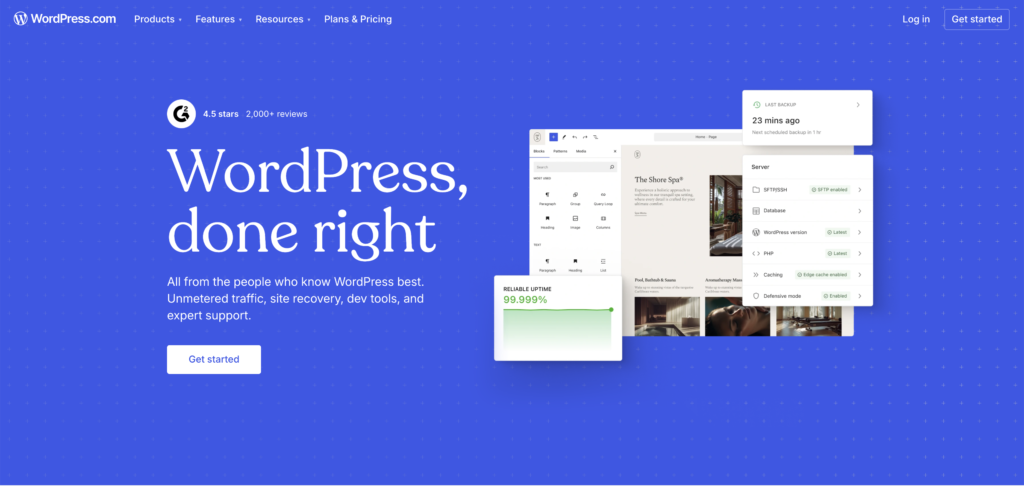
I know everyone says WordPress but hear me out. The reason everyone says it is because it works. I’ve built content strategies on WordPress sites that now pull in 50,000+ monthly visitors. It’s not glamorous, but it’s flexible, SEO-friendly, and has an ecosystem of free plugins that would cost hundreds per month on other platforms.
a. Why not Wix or Squarespace? They’re fine for aesthetics but terrible for SEO control. You’ll hit walls fast.
b. Free forever? WordPress software is free. You’ll pay for hosting (on Hostinger) and maybe a theme.
My honest take: Don’t overthink the website builder. Get something live, start publishing content, and optimize as you grow.
2. Rank Math (Free) or Yoast SEO
Free / Freemium | Best for: Anyone using WordPress
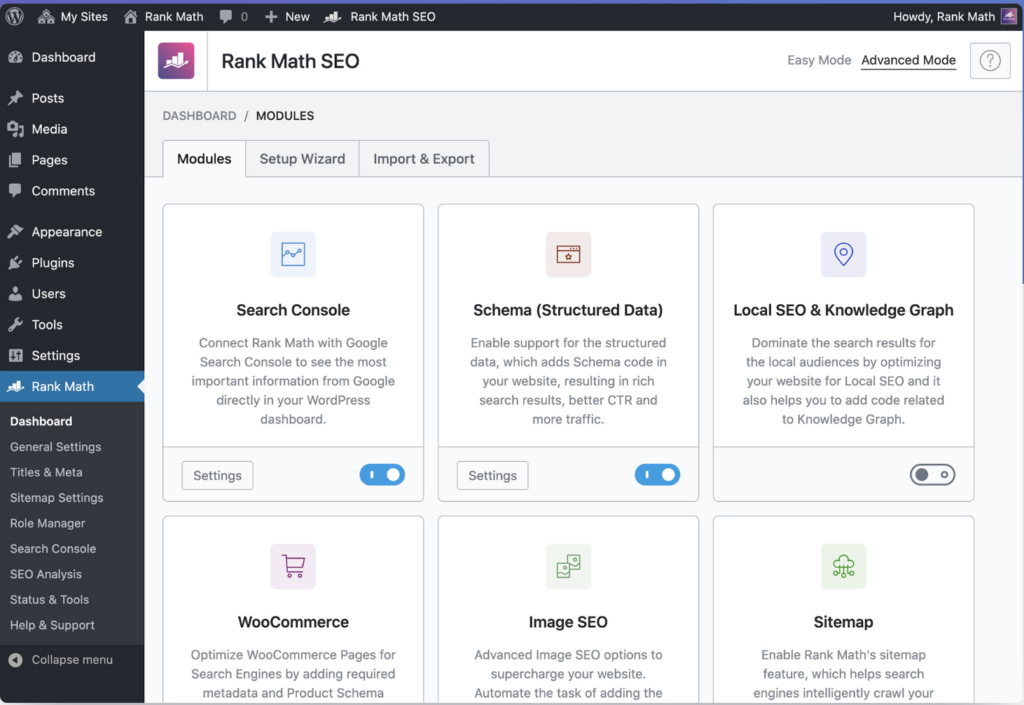
If you’re on WordPress and not using an SEO plugin, you’re flying blind. Rank Math is my personal favourite. The free version gives you more than most businesses ever need. It helps you optimize meta titles, descriptions, schema markup, sitemaps, and tells you if you’re actually targeting a right keyword.
Rank Math vs Yoast: Rank Math wins on features-for-free. Yoast is more established. Either works — just pick one and use it consistently.
- Set up your XML sitemap and submit it to Google Search Console immediately
- Use the content analysis feature for every blog post you publish
- Don’t chase a “green light” at the expense of natural writing
3. Google Search Console
100% Free | Best for: Everyone with a website
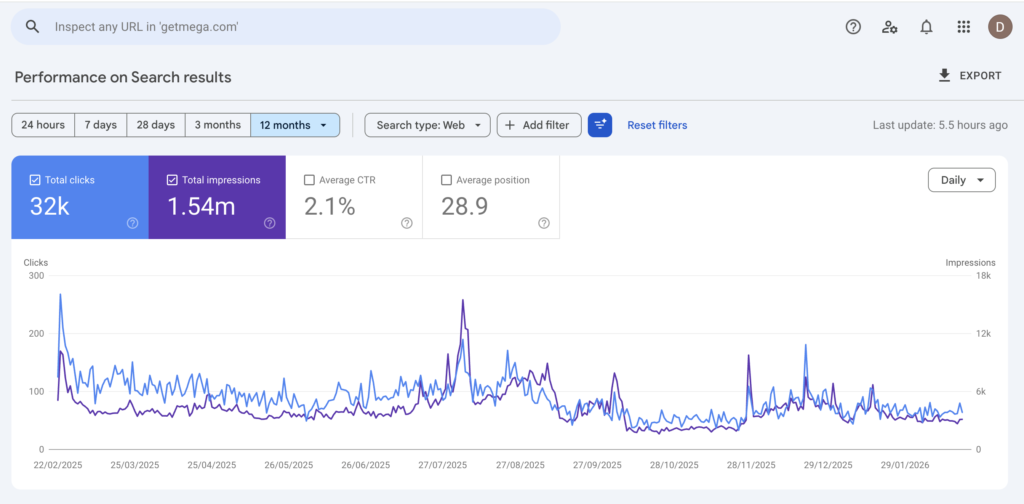
This is the single most underused free tool in existence. GSC tells you exactly what search queries bring people to your site, which pages Google has indexed, any technical errors on your site, and your average position for different keywords.
I check GSC for every client before making any content recommendations. It’s ground truth.
Pro tip: The ‘Queries’ report in GSC will show you keywords you’re ranking on page 2 for. These are your quick-win opportunities. Write more content around these topics and you’ll see rankings improve within weeks.
Social Media Management
4. Buffer (Free Plan)
Free up to 3 channels | Best for: Businesses just starting with social
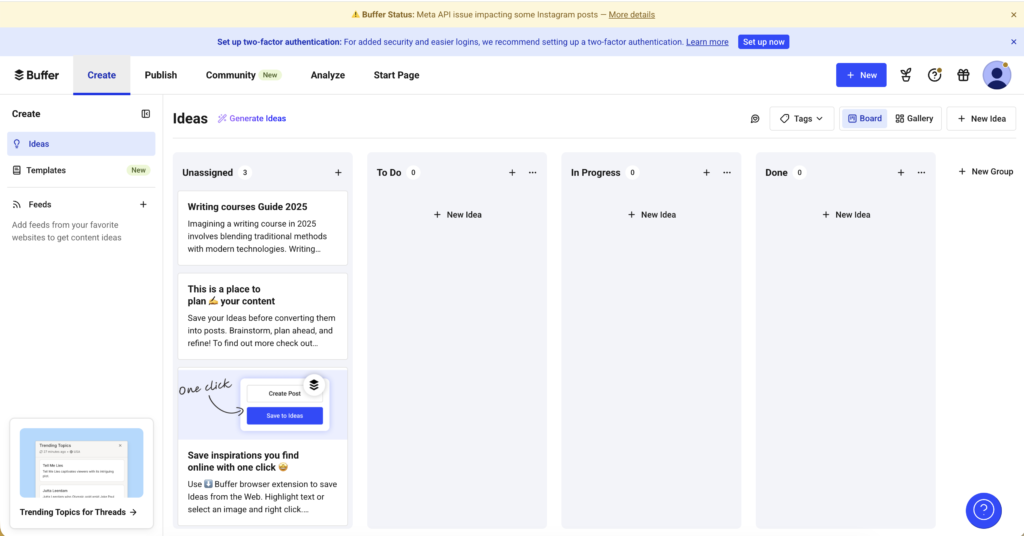
Buffer‘s free plan is genuinely good for small businesses starting out. You get 3 social channels and can schedule posts in advance, which is really all most small businesses need in year one.
a. When to upgrade: When you need more than 3 channels or want analytics beyond basic post performance.
b. My honest take: Buffer is clean, simple, and reliable. It’s not the most powerful tool but it does the job without overwhelming you. Start here.
c. When to move on: When you’re managing more than 5 accounts or need deeper analytics — look at Metricool or Publer.
5. Meta Business Suite
Free | Best for: Businesses active on Facebook or Instagram
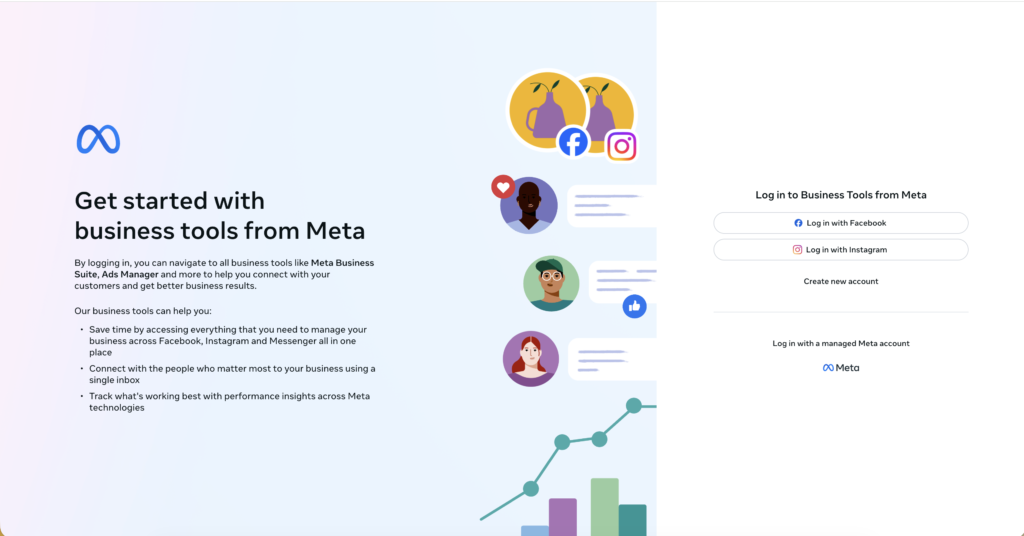
If Facebook and Instagram are your primary platforms, Meta Business Suite is an underrated, a little technical and completely free tool. You can schedule posts, run ads, check insights, and respond to messages across both platforms in one place.
Most small businesses I’ve worked with ignore this tool and pay for a third-party scheduler instead. Use what the platform gives you for free first.
Email Marketing
6. Brevo (formerly Sendinblue) — Free Plan
Free up to 300 emails/day | Best for: Small lists, getting started
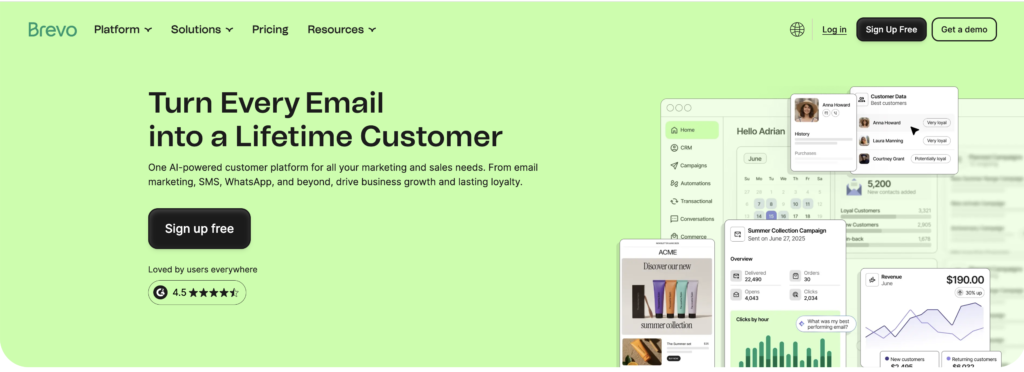
Brevo gives you 300 emails per day free which fis more than enough for most small businesses. You get automation, list segmentation, and basic analytics without paying.
Honest warning: Email marketing takes time to show ROI. Don’t obsess over open rates in month one. Focus on growing your list and sending valuable content consistently.
7. Zoho Campaigns (or Mailchimp Free)
Free tiers available | Best for: Those already in the Zoho ecosystem
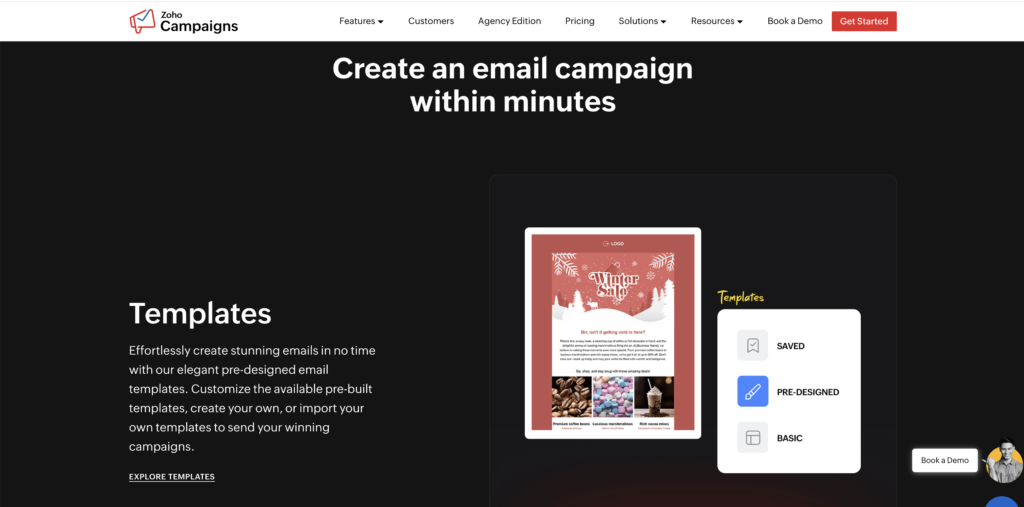
If you’re using Zoho CRM or any Zoho product already, Campaigns integrates seamlessly. The free plan gives you 6,000 emails/month to 2,000 contacts. For a small business starting out, that’s solid.
TIER 2
The Growth Stack — Scaling from 1K to 10K Monthly Visitors
You have some traction, getting traffic, building an audience, and maybe making your first sales through content. Now it’s time to get smarter. These tools help you understand what’s working and double down on it.
SEO & Keyword Research
8. Google Keyword Planner
Free (with Google Ads account) | Best for: Keyword research on zero budget
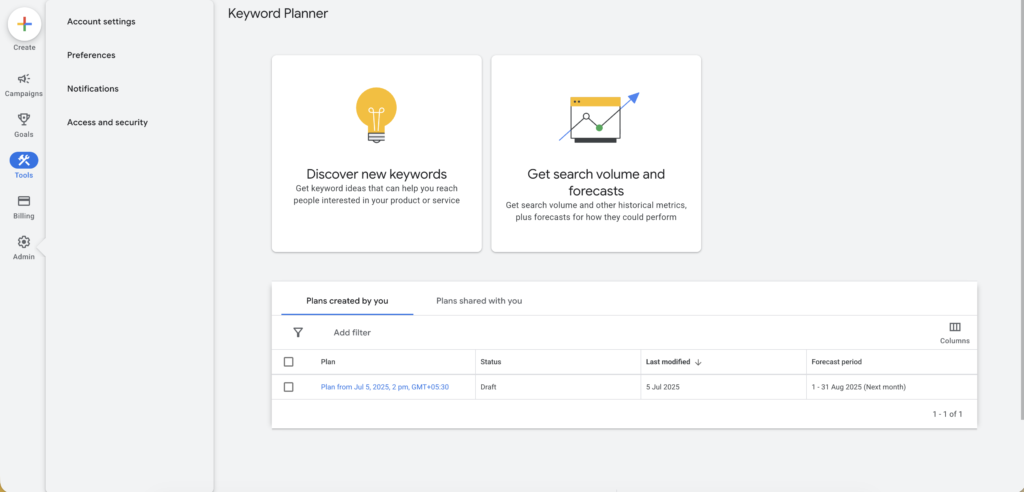
a. Unpopular opinion: Most small businesses don’t need a paid SEO tool to start. Google Keyword Planner gives you enough data to build a solid 6-month content strategy. It shows search volumes, competition levels, and keyword ideas.
b. The catch: Volumes are shown in ranges (100–1K, 1K–10K), not exact numbers, unless you’re running active ads. It is still useful, especially when combined with GSC data.
9. Ubersuggest — Neil Patel (Freemium)
Free 3 searches/day | Best for: Budget-conscious businesses doing SEO
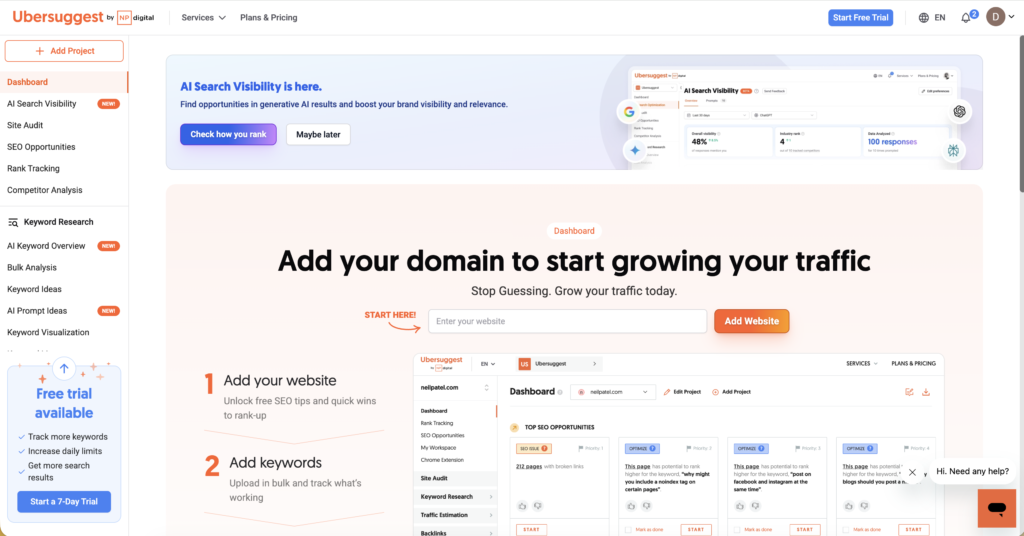
Ubersuggest is my recommendation for small businesses that want SEO insights without the Ahrefs or SEMrush price tag. The free version gives you keyword data, domain overview for competitors, content ideas, and basic backlink information.
My take: The paid version is genuinely good value. But start with free and see if you’ll actually use it before committing.
Honest note: Ahrefs and SEMrush are industry standard and genuinely worth it at scale. But for a small business in revenue, Ubersuggest or even free tools will serve you well. Don’t let anyone upsell you before you need it.
10. Answer The Public
Free searches daily | Best for: Content ideation and understanding what your audience asks
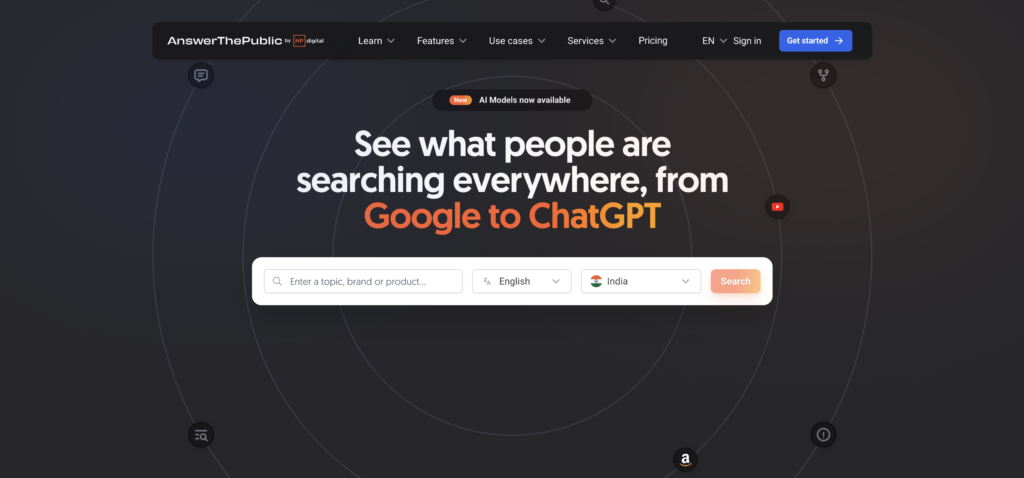
This tool crawls the web and shows you questions people are actually asking about your topic. It’s gold for content ideation. Type in your main product or service and you’ll get hundreds of questions your audience is searching for. I use this for every new client to map out their first 3–6 months of content.
Analytics & Performance
11. Google Analytics 4 (GA4)
Free | Best for: Everyone with a website
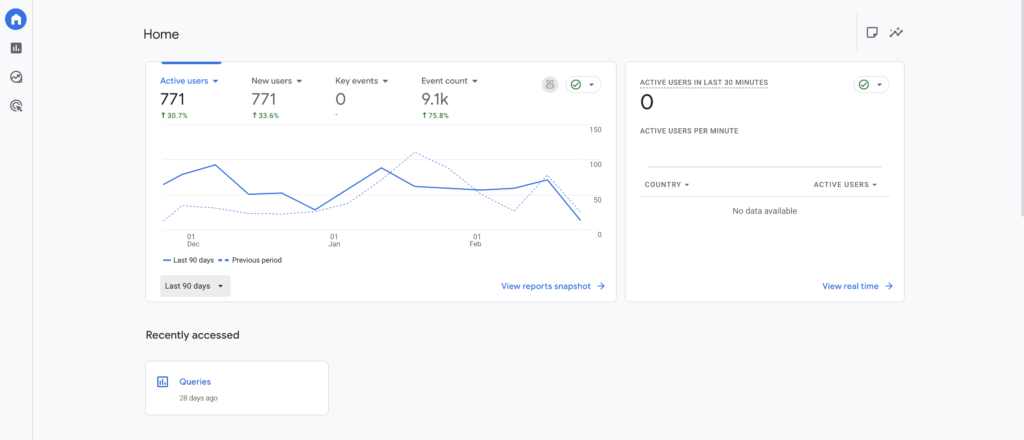
If you don’t have GA4 set up, stop reading this article and go do that right now. GA4 tracks who’s visiting your site, where they’re coming from, what they’re doing, and whether they’re converting. It’s the foundation of every data-driven marketing decision.
Yes, GA4 has a learning curve. It’s different from universal analytics and it’s worth learning.
Quick setup tip: Install Google Tag Manager alongside GA4. It makes adding any future tracking codes (Meta Pixel, LinkedIn Insight Tag, etc.) significantly easier.
12. Hotjar (Free Plan)
Free up to 200k/monthly | Best for: Understanding on-site user behaviour
Analytics tells you what people are doing on your site but Hotjar shows you how. The free plan gives you heatmaps and session recordings. You can literally watch people navigate your website and see where they get confused, what they click on, and where they drop off.
One Hotjar session can teach you more about your website’s UX problems than a month of metrics.
Content Creation & Design
13. Canva
Free / Pro | Best for: Non-designers creating professional visuals
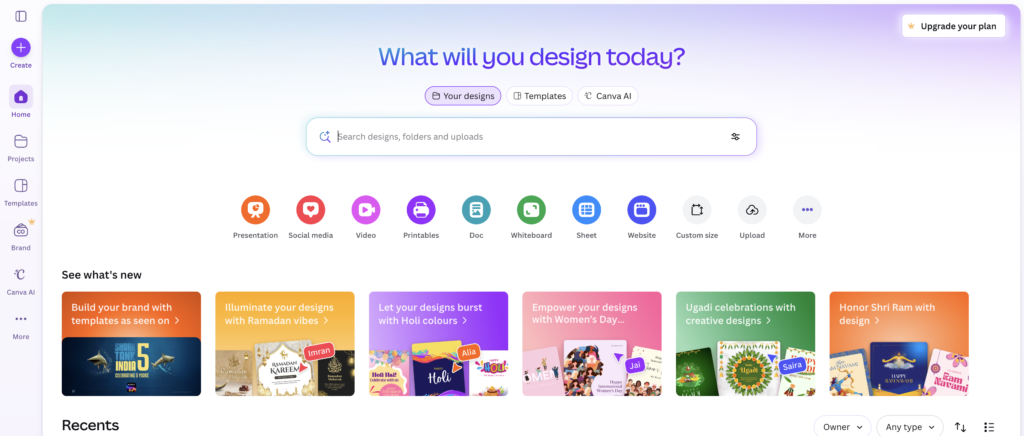
You already knew this one was coming. Canva is non-negotiable for small businesses without a dedicated designer. The free version covers 90% of what most businesses need: social media graphics, presentations, basic infographics, and pitch decks.
a. When to go Pro: When you need background removal, brand kit functionality, or want to resize designs for multiple platforms in one click. Pro is worth it the moment you’re creating content consistently.
b. One thing people miss: Canva has a huge library of templates that are actually decent starting points. Don’t design from scratch. Find a template that’s close to what you need and customise it.
14. Hemingway Editor
Free online | Best for: Making your writing clearer and more readable
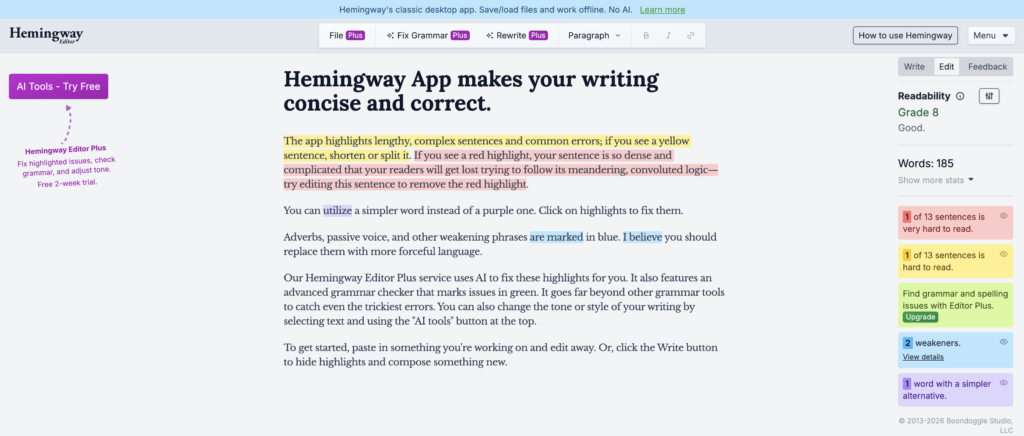
This is a hidden gem that most content creators overlook. Hemingway Editor analyses your writing and highlights sentences that are too long, uses of passive voice, unnecessary adverbs, and readability grade level. It forces you to write in plain, clear language that’s exactly what your non-marketer small business audience needs.
I run every important piece of content through Hemingway before publishing.
15. ChatGPT / Claude (Freemium)
Free tiers available | Best for: Research, first drafts, ideation, repurposing
I’d be a hypocrite not to include AI writing tools such as ChatGPT and Claude in a list about modern marketing tools. But I’ll say what most lists won’t: AI is a starting point, not a finished product.
a. Use it for brainstorming content ideas, creating first draft outlines, repurposing existing content into different formats, writing email subject line variations, and research summaries.
b. Don’t use it for publishing unedited AI content directly to your website. Google’s spam algorithm is getting better at detecting it. And more importantly, it reads like everyone else’s content. In a world filled with AI content, your human expertise and voice is your differentiator.
Hot take: The businesses winning at content marketing right now are using AI for efficiency while injecting genuine expertise and perspective that AI can’t replicate.
TIER 3
The Scale Stack — When You’re Ready to Invest Seriously
You’ve validated your content strategy, you’re getting consistent traffic and leads, and you need to go from good to great. These are the tools worth paying for at this stage.
Advanced SEO
16. Ahrefs
Paid | Best for: Serious SEO (keyword research, competitor analysis, backlink monitoring)
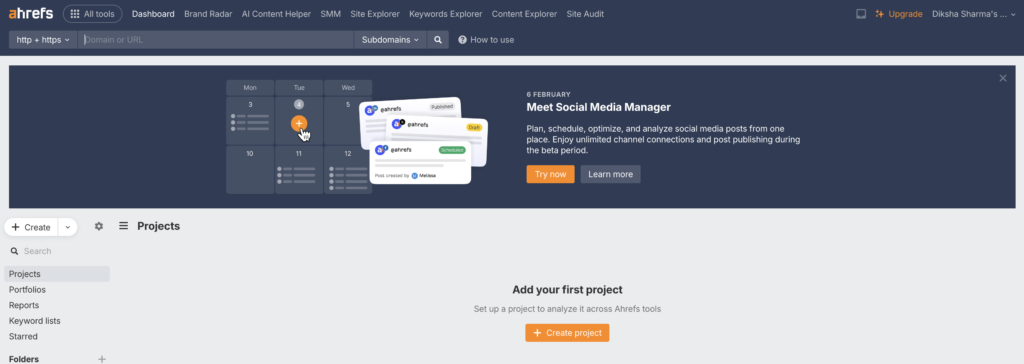
Ahrefs is the gold standard for SEO professionals and serious content marketers. Its keyword explorer, site audit, content gap analysis, and backlink database are unmatched. I use Ahrefs daily for client work.
a. Why it’s worth it at scale: The quality of keyword data and competitor insights you get from Ahrefs makes it possible to build a content strategy with predictable ROI rather than guessing. One good keyword cluster discovered through Ahrefs can drive thousands of monthly visitors.
b. Budget alternative: SEMrush has similar functionality and sometimes runs better deals. Both are excellent. It often comes down to which UI you prefer.
17. Screaming Frog SEO Spider
Free (Upto 500 URLs)/ Paid | Best for: Technical SEO audits
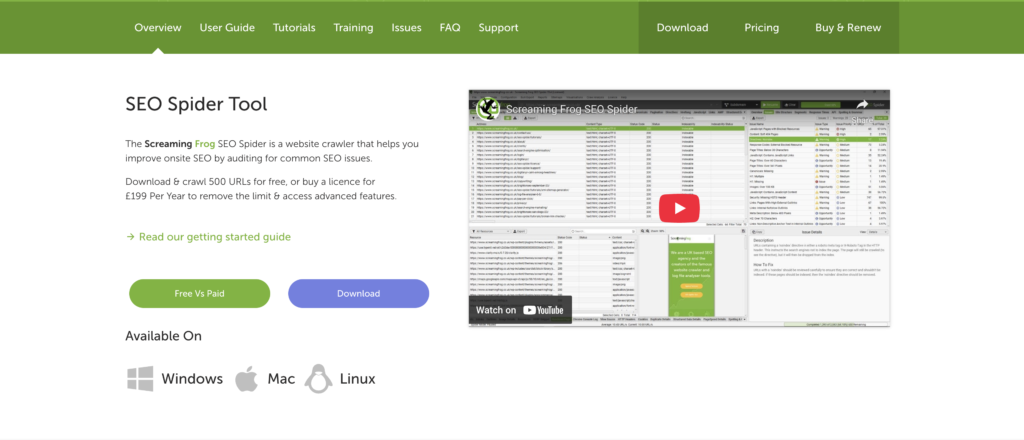
This isn’t glamorous, but Screaming Frog is essential for identifying technical SEO issues on your website. It crawls your site like Google does and surfaces broken links, redirect chains, missing meta descriptions, duplicate content, and more.
Advanced Email & CRM
18. Klaviyo (Freemium)
Free up to 500 contacts | Best for: E-commerce businesses
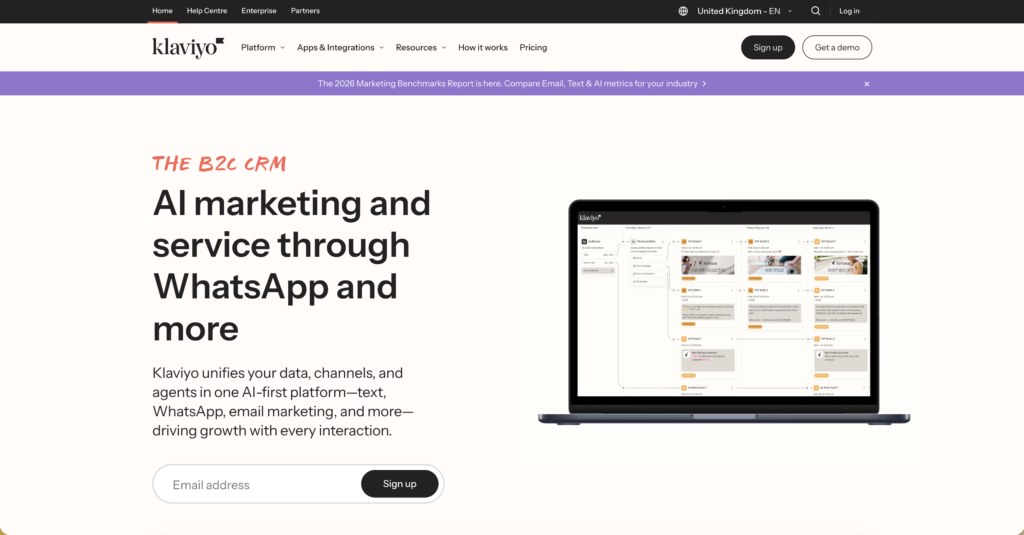
If you’re running an e-commerce business and not using Klaviyo, you’re leaving money on the table. Klaviyo’s segmentation, automation flows, and revenue attribution are in a different league from basic email tools. Their abandoned cart, welcome series, and post-purchase flows can significantly increase repeat revenue.
Not for you if you’re running a B2B or service-based. For those businesses, HubSpot’s free CRM or Brevo will serve you better.
19. HubSpot CRM
Free tier is genuinely powerful | Best for: B2B and service businesses
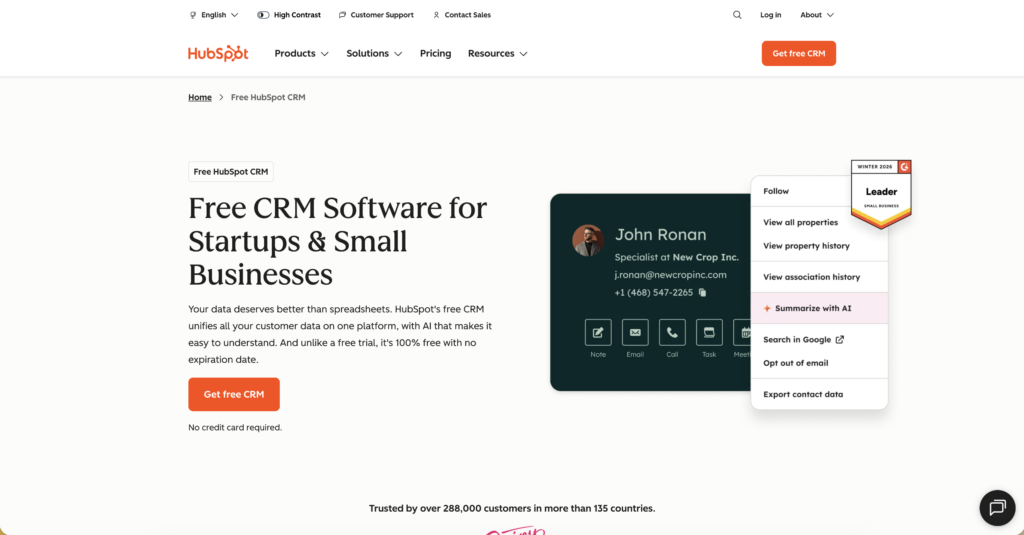
HubSpot’s free CRM is one of the best free tools in marketing, full stop. It tracks your deals, manages contacts, gives you email templates and sequences, and integrates with Gmail and Outlook. For a service business trying to get organised without paying for Salesforce, it’s excellent.
The paid tiers get expensive fast, but the free tier can carry you well into 6-figure revenue.
Paid Advertising
20. Google Ads (Pay per click)
Budget: You control it | Best for: High-intent, bottom-of-funnel traffic
When organic SEO is working but you need faster results for specific campaigns, Google Ads is where I’d spend first. It captures people who are actively searching for high intent, and immediate results.
Small business mistake I see constantly: Running Google Ads before your website converts. Fix your landing page first. Paid traffic to a bad page is just burning money with extra steps.
21. Meta Ads Manager
Budget: You control it | Best for: Brand awareness and retargeting
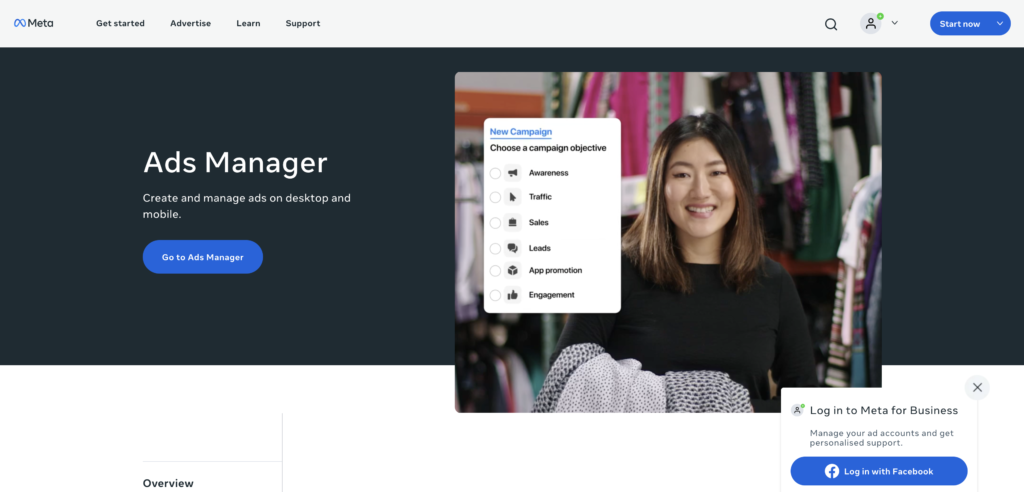
Meta (Facebook/Instagram) ads work best for building awareness and retargeting people who’ve already visited your website. The targeting capabilities are still unmatched. You can reach almost any audience demographic imaginable.
The learning curve is steeper than Google Ads, but the cost-per-click is often lower for awareness campaigns.
TL;DR — The Recommended Stacks
Zero Budget Starter Stack
- WordPress.org + Hostinger hosting
- Rank Math SEO plugin (free)
- Google Search Console + GA4
- Buffer free plan (3 channels)
- Meta Business Suite
- Brevo free email plan
- Google Keyword Planner
- Canva free
- Hemingway Editor
- ChatGPT free tier
Growth Stack
- Everything above, plus:
- Canva Pro
- Ubersuggest paid plan
- Hotjar free or paid
- HubSpot CRM free
- Metricool or Buffer paid (more channels + analytics)
Scale Stack
- Everything above, plus:
- Ahrefs or SEMrush
- Klaviyo (e-commerce) or HubSpot paid (B2B)
- Google Ads + Meta Ads
- Screaming Frog SEO Spider
- Dedicated landing page tool (Unbounce or Instapage)
BONUS
The Tools Most Lists Ignore: Getting Found in AI Search (GEO)
Here’s something that almost no small business is thinking about yet but should be. The way people discover businesses is changing. More and more people are asking ChatGPT, Google’s AI Overview, Perplexity, and Claude to recommend products, services, and businesses instead of typing keywords into a search bar.
This is called Generative Engine Optimisation (GEO) and it’s the next frontier. Instead of focussing on special tools, you need a specific content strategy. But here’s what to focus on:
a. Write content that answers questions directly: AI systems pull from content that clearly states: ‘The best X for Y is Z because…’ Structured, factual, and expert content always wins.
b. Build citations and mentions across the web: AI models trust brands that are mentioned consistently across credible sources. Guest posts, PR mentions, and directory listings all contribute.
c. Schema markup matters more than ever: Structured data helps AI systems understand what your business does, where you are, and what you offer. Make sure your website has proper LocalBusiness, FAQ, and Product schema.
d. Get on Perplexity’s radar: Create a profile, ensure your website is indexable, and target the long-form question queries that Perplexity typically answers.
It’s still early days but the businesses investing in this now will have a massive advantage in the next 2–3 years as AI search becomes mainstream.
Tools I’d Tell You to Avoid (Or at Least Wait On)
a. Expensive all-in-one platforms too early: HubSpot’s paid tiers, Marketo, or full Salesforce suites are for businesses with dedicated marketing ops teams. Don’t buy enterprise tooling when you’re still figuring out your marketing fundamentals.
b. Tools that promise automatic leads or followers: Any tool promising to ‘automate your LinkedIn outreach’ or ‘grow your Instagram following automatically’ is either violating platform terms of service, producing terrible quality leads, or both. I’ve seen clients get their accounts banned using these.
c. Multiple overlapping tools: Pick one tool in each category, learn it well, and extract maximum value before adding another tool.
d. Design tools that aren’t Canva (at first): Adobe Creative Suite, Figma, and other professional tools are powerful but have steep learning curves. Unless you have a design background, start with Canva and upgrade only when you’ve clearly outgrown it.
Final Thoughts: Tools Don’t Make Strategies
I’ve seen businesses with every tool on this list still producing content that goes nowhere and drives no traffic. And I’ve seen businesses with nothing more than a WordPress blog and Google Search Console build audiences of hundreds of thousands.
The difference is always strategy, consistency, and genuine expertise and not the tool. Start simple and learn one thing at a time. Add tools only when you’ve clearly hit a ceiling that a new tool can help you break through.
And if you’re feeling overwhelmed by all of this. That’s completely normal. Digital marketing has a steep learning curve, and the landscape changes every year (sometimes every month).
Written by Diksha Sharma | SEO Strategist & Content Marketer
Covering B2B SaaS, Fintech, and AI-powered search since 2021.